
Restaurant Websites in 2026: Menu, Reservations, Photos, Done Right
What a modern restaurant website needs to do (surface the menu, take reservations, sell the room with photos, work on a phone) without falling for the trends that drive guests away.
A restaurant website has one main job: convince a hungry person scrolling on their phone that this is where they want to eat tonight, then get them to book before they pick the place next door. That is a much shorter funnel than a B2B SaaS landing page, and a much harder one to fake.
Here's what a 2026 restaurant website actually needs, and the parts of 'restaurant web design' you can safely ignore.
The menu is the homepage
Most restaurant homepages bury the menu. Hero photo, story, awards, a 'view menu' button somewhere in the navigation. That's wrong for 2026. The menu IS what people came for. A single tap from the homepage, at most. Linked from the hero CTA, the navigation, and a fixed-position button on mobile.
And put the menu on actual web pages, not a PDF. PDFs are unreadable on phones, can't be indexed by Google for menu searches, and feel like an afterthought. A simple list of dishes with descriptions and prices in HTML wins.
Online reservations: required, not optional
If you don't take reservations online, you're losing the diners who decided to eat out at 7:43 pm on a Friday. Phone reservations are great for confirmed regulars; they're a barrier for the new ones who pay your rent.
Use whatever scheduling tool fits your scale.
- Casual / single location: OpenTable, Resy, SevenRooms, or Tock work cleanly with templates. Pick one your competitors already use so guests know how to navigate.
- Higher-end / unique experiences: Tock and SevenRooms support deposits and prepaid experiences. Useful if you do tasting menus or chef's tables.
- Tiny / regular-driven: a simple form that emails the manager is fine as long as the manager actually checks email and confirms within the hour.
Whatever you pick: embed the widget on your site. Don't link out to the booking platform's domain. Every extra page load loses 10-20% of users.
Photography that makes people hungry
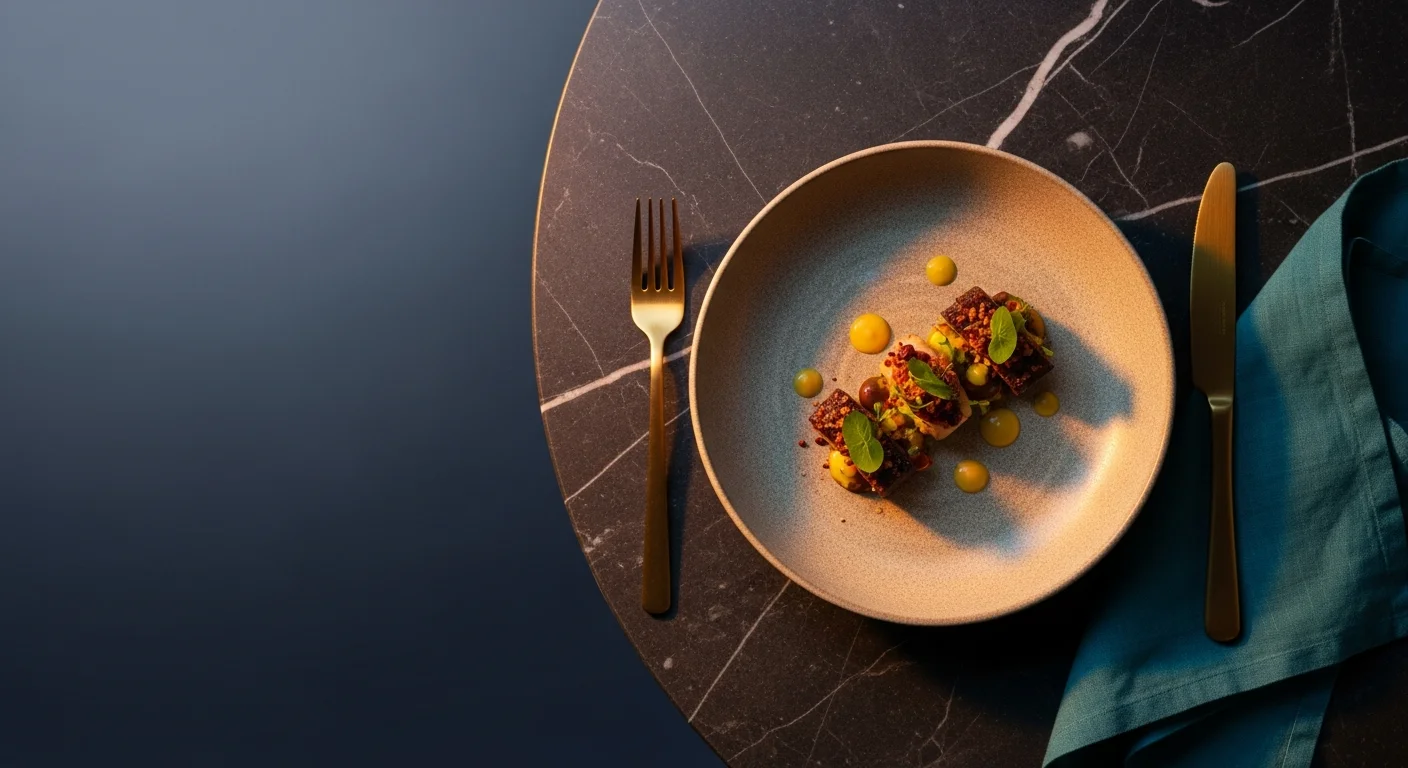
Restaurants are the one category where photography is genuinely make-or-break. Stock food photos of pasta or burgers that aren't yours read as a red flag. Bad iPhone photos of your actual dishes are still better, but real food photography by someone competent is the highest-ROI marketing investment a restaurant makes.
- Hire a food photographer for a half-day every quarter. 20-30 strong photos per session is realistic. Total cost: usually €500-€1,500 per session.
- Photograph the dishes, the room (especially at golden hour), the team, and the small details that make your place specific.
- No backlit shots of the chef holding a tray and laughing at nothing. The whole industry has agreed those look fake.
- Vertical photos work better than horizontal on Instagram and on mobile sites.
Mobile-first, really
Over 75% of restaurant website traffic is mobile. A site that looks great on a 27-inch desktop monitor and gets the navigation wrong on a 6-inch phone is the wrong site. Design the mobile experience first (large tap targets, sticky 'Reserve' button, click-to-call phone number visible on every page) and the desktop layout will mostly take care of itself.
The five things every restaurant page must have
- Hours, prominent and current. Closed on Mondays? Say so. Lunch service different from dinner? Show both.
- Address, with a map embed. Walk-ins want to know if they can find parking.
- Phone number, tap-to-call.
- Menu, ideally with prices.
- Reservations, one tap from anywhere.
If your homepage doesn't deliver all five in the first scroll, you're losing diners to the restaurant down the street whose site does.
We replaced our old PDF menu with proper HTML pages and added an embedded Resy widget on the homepage. Reservations from the website tripled in two months, and Google started showing us in 'restaurants near me' a lot more.
Local SEO for restaurants
Restaurants live or die on local SEO. The same playbook applies as any local business (Google Business Profile, reviews, citations, structured data) with three category-specific extras.
- Mark up your menu with Menu schema so dishes appear directly in Google search results.
- Add Restaurant schema to your homepage with cuisine type, price range, and acceptsReservations true.
- Get reviews. Ask servers to mention it on the check. Restaurants with fewer than 50 reviews rarely appear in the local 3-pack.
Trends to skip
Restaurant web design has its share of fads that look impressive at first and hurt your business in practice.
- Full-screen video hero. Tanks mobile load times, and most people scroll past before it finishes.
- Auto-playing background music. Don't.
- 'Click to reveal' menus that hide prices until the user interacts. Hides prices = hides reservations.
- Long brand stories above the reservation CTA. Lead with the practical stuff. Tell the story on an About page.
- PDF wine lists with 200 entries. If the goal is to look serious, structured HTML lists with filters work better and rank.
Where Brimky fits in
Brimky's restaurant templates ship with menu-first homepage layouts, reservation widget slots ready for OpenTable / Resy / Tock, Restaurant + Menu structured data, a fast mobile-first build, and Google Business Profile-ready meta. Send us your menu, your photos, and your booking platform, and we hand back a site that fills tables. Browse the restaurant-category templates to see the patterns above in working form.